

Designing and prototyping for a health data startup
- Product & UX Designer
- Contract
- iOS · Web
- Product design
- Prototyping
- PRDs & specs
- UX research
- Front-end (React)
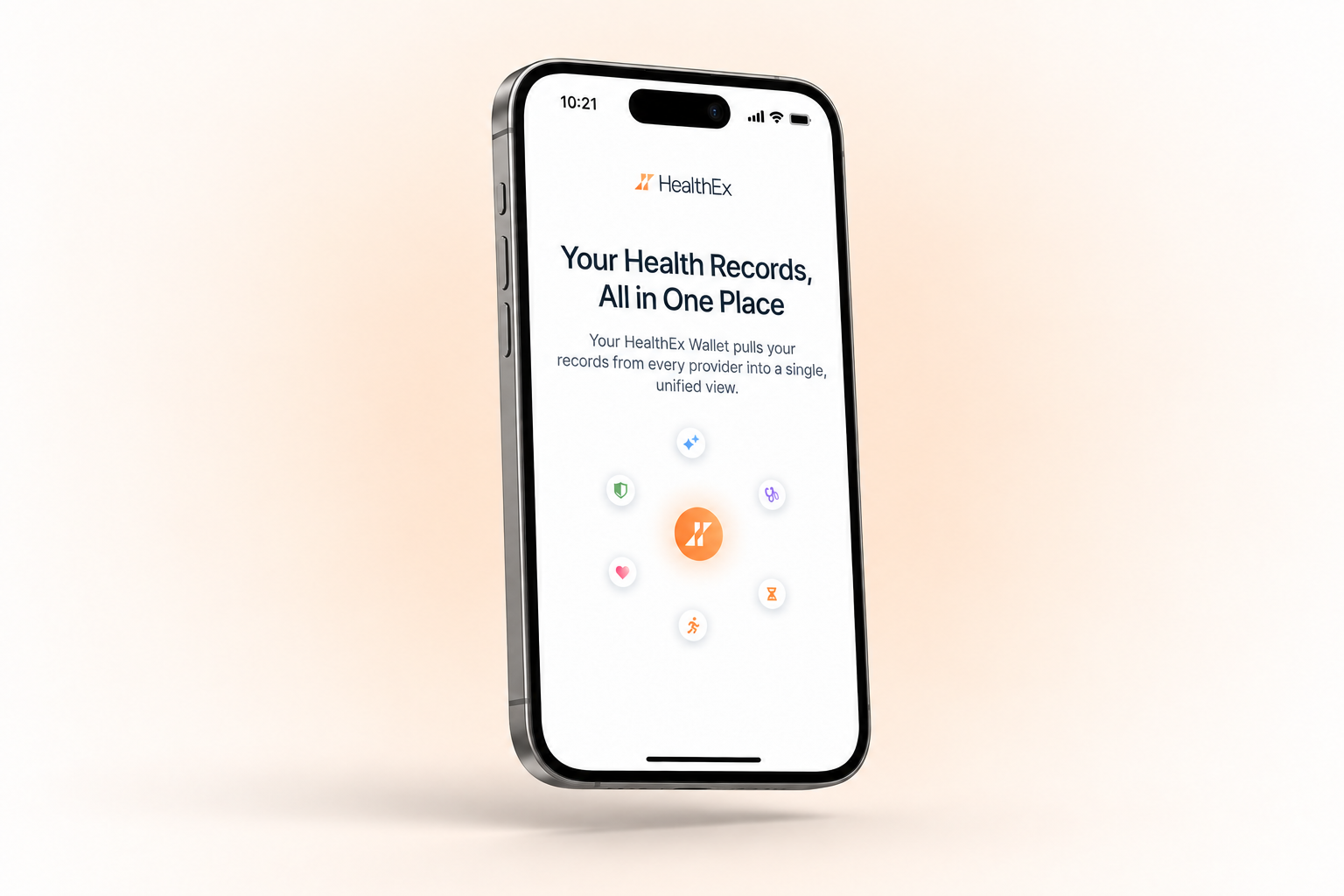
A platform that brings your medical records together from every place you've received care, so you can see them, understand them, and share them on your terms.
AI assistant integration prototype
The company wanted health records to be usable inside a major AI assistant, the way people already connect Drive or Gmail. You can't pitch that with just some slides. The partner needed to see it working inside their own product before committing to build it. I built high-fidelity, realistic prototypes for two AI platforms and one of them signed.
We needed to make sure our integration looked like part of the AI assistant. The prototype had to look and behave like a native feature of the partner's app.
The same prototype used in the pitch. Everything shown is invented — no real records, no real patients.
All your medical records in one PDF
Your medical records are probably scattered across different platforms, portals and formats. I designed a downloadable PDF that consolidates them into one document. The hard part wasn't the layout. It was the information architecture: a person's entire medical history, in a format with no states, no search and no way to ask a follow-up, that still has to be readable on the first page.
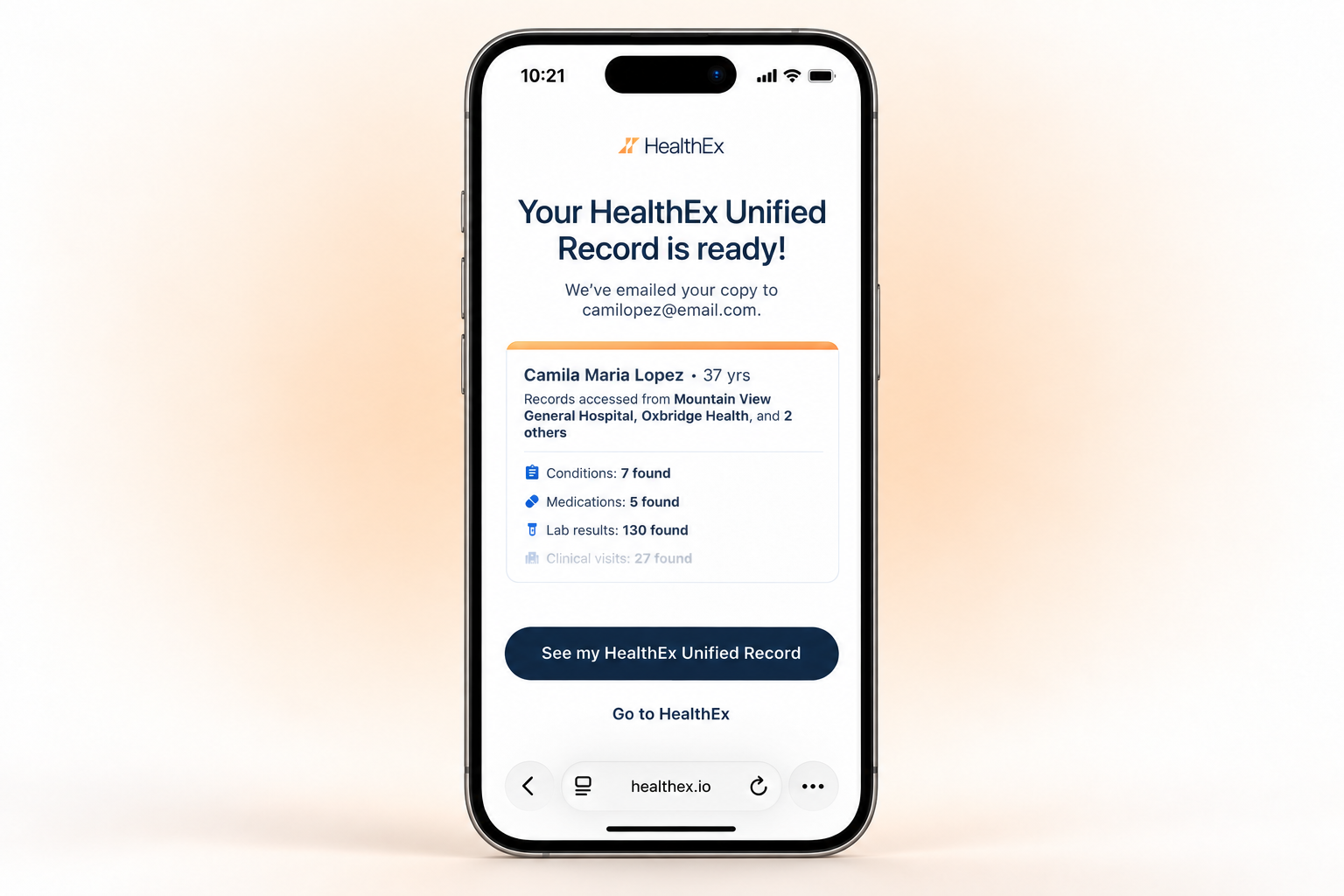
The preview of the PDF needed to look enticing enough to make people want to open it.
A medical history can run to more than 50 pages, so the first page had to work as a snapshot: a summary of what's in the full PDF, plus clickable categories that jump straight to each section.
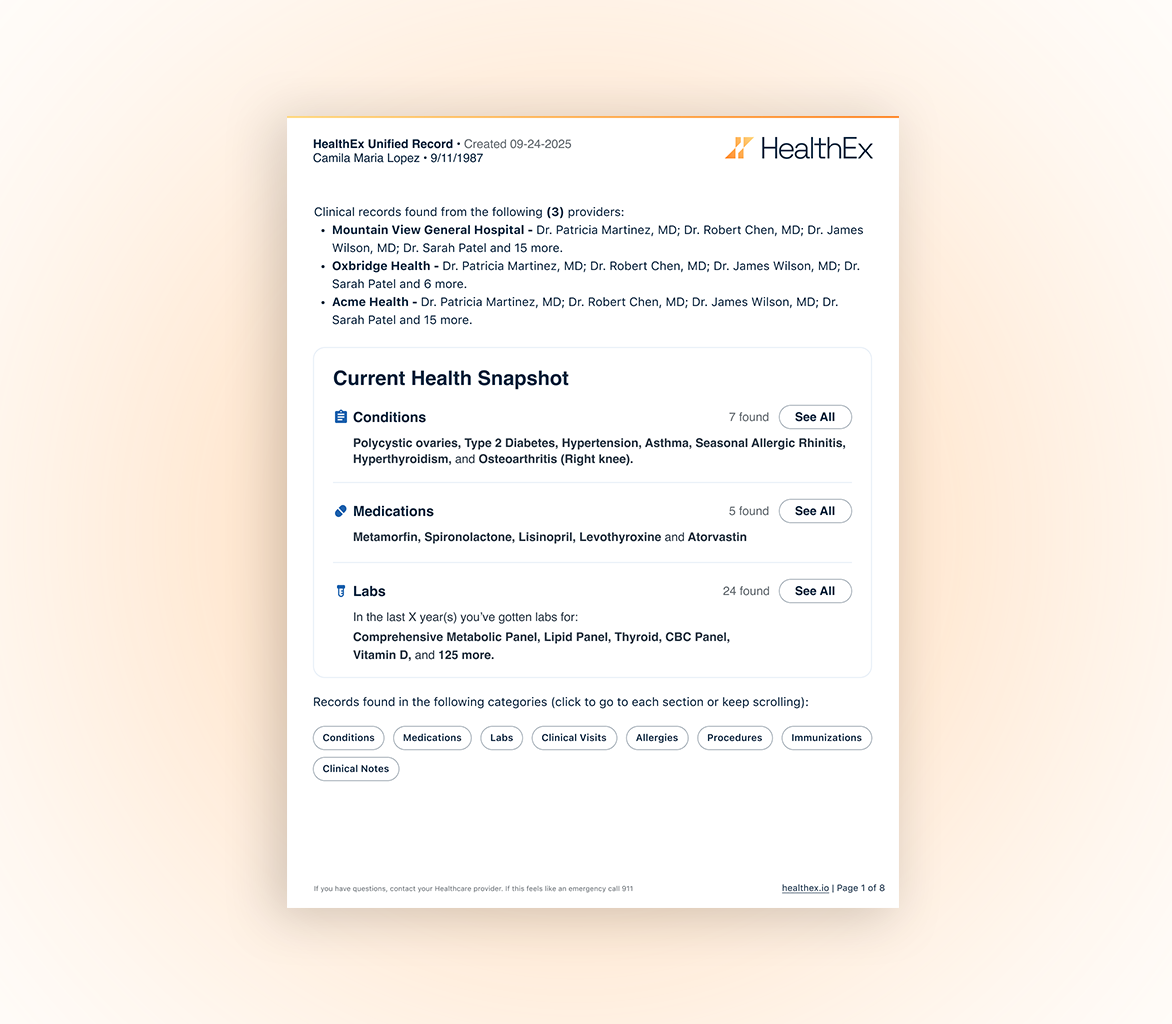
Seven category chips wrap into two compact rows, each an internal link that jumps to its section. A table of contents would have pushed the snapshot onto page two. Working links, a summary that answers the common case, and the full history underneath.
Designing a provider search results experience
To request your records, you first have to find every place that holds them: hospital systems, clinics, and individual practitioners, many with near-identical names. The search had to work out what someone meant even when they typed it wrong, and suggest likely matches nearby based on their zip code, so people could find every provider they'd seen, not just the obvious ones. I built it in code with Claude Code rather than mocking it up in Figma, so every detail of the search behavior was already worked out before it reached engineering, which saved a lot of back and forth.
Match quality first, then platform likelihood, then proximity.
Match tier
Exact, prefix, whole word, partial.
Platform tier
A rough proxy for whether records are retrievable.
Location
Zip, city, state, with adjacent zips still counting.
It shipped. The logic went into the product rather than staying a demo.
Engineering built faster. The behaviour was already decided and demonstrable.
It went out early to an enterprise client, before the feature was built.
Micro-animations that make all the difference
The onboarding started as text only. But people skim, and most of the time they're only half paying attention. So I proposed light micro-animations: enough to make the first few minutes more enjoyable, and to fill in the gaps for anyone who hadn't quite understood what the product does.

Simple on purpose
A few elements, one idea. Anything that needed explaining got cut.
Refined until it felt effortless
Timing and easing tuned so the story lands in seconds and the motion never draws attention to itself.